Introduction
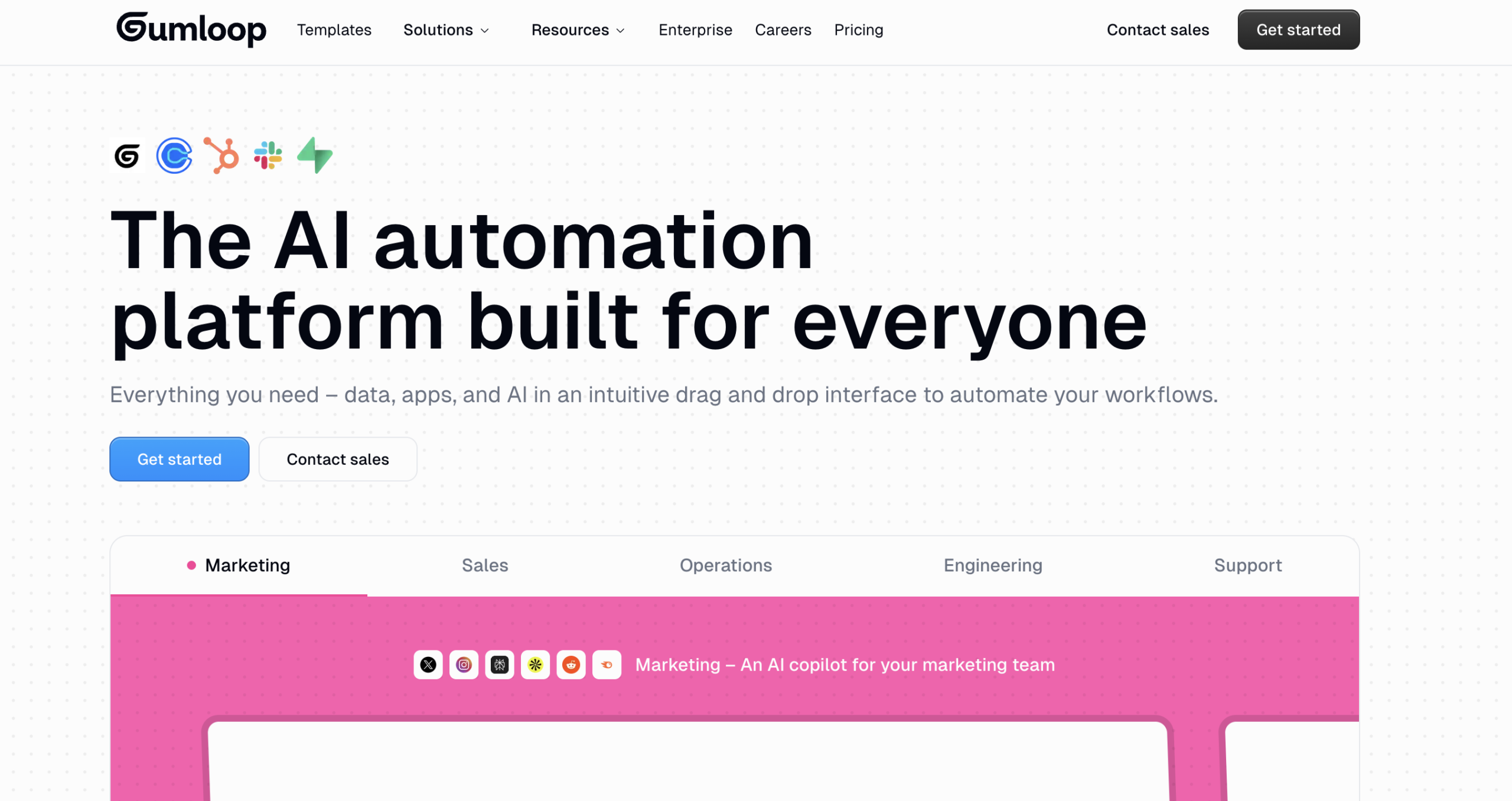
Gumloop AI is a no-code AI automation platform designed to allow teams to automate their workflows without writing any code. While it operates in the same area as Zapier does, it focuses more on AI-powered agents and sophisticated task automation.
Gumloop has more than 130 integrations as well as access to top AI models, including but not limited to GPT-4, Claude, and Gemini, which allows businesses to automate repetitive tasks, including data extraction, web scraping, and sales operations.
What is Gumloop?
Gumloop is an easy-to-use, no-code platform that allows non-technical people to easily create automated workflows/agents using advanced technologies such as AI (artificial intelligence). Users can visually create automated business processes that connect applications, extract data, and automatically initiate actions through the use of their own user-created workflows/agents.
Gumloop is focused on teams that work within the operations, marketing, sales, and research departments who want to streamline as much of their day-to-day operations as possible through the reduction of manual tasks.
Explore this Tool: WEOPI AI
Key Features of Gumloop
1. No-Code Automation Workflow Builder: Build your own automation flows through a visual drag-and-drop builder
2. Build AI Agents: Create AI agents to process data, generate text, and make decisions
3. 130+ Integrations with Other Tools: Integrate with CRM, marketing, analytics, and productivity software
4. Direct Workflow Access to AI Models: Access to AI Models like GPT-4, Claude, and Gemini in your workflows
5. Web Space Data Scraping and Extraction: Automate structured data scraping from websites
6. Sales and Lead Automation: Make it easy to find prospects, prepare to reach out, and update your CRM system
7. Automating Task Scheduling and Triggering: Automate trigger events based on certain conditions, when they occur, or on schedule.
Explore this Tool: Janitor AI
Pros & Cons of Gumloop
Pros:
- No code is necessary.
- Major AI model access included.
- Complex AI workflows can be created easily.
- Extensive integration with third-party providers.
- Automation reduces the time needed for repetitive manual tasks.
Cons:
- Small teams may find it expensive.
- Intermediate or advanced workflows will require training.
- Simple automated tasks may be overkill.
- Third-party apps will need to be integrated.
How to Use Gumloop
Step 1: Create an Account
Sign up on the Gumloop platform.
Step 2: Choose a Workflow Template or Start from Scratch
Select a pre-built template or design your own automation flow.
Step 3: Connect Your Apps
Integrate CRM tools, email platforms, spreadsheets, or other software.
Step 4: Add AI Steps
Insert AI agents into the workflow for text generation, analysis, or data processing.
Step 5: Test & Launch
Run tests to ensure accuracy, then activate the workflow.
Who Can Use Gumloop
- Sales teams automating lead workflows
- Marketing teams handling content and outreach
- Operations teams managing repetitive processes
- Founders are building internal automation systems
- Non-technical teams reducing dependency on developers
What Makes Gumloop Unique?
Gumloop brings together traditional automation and AI models through one system. Rather than having to hook up AI tools separately, you can embed them as part of your automated processes.
Another unique feature of Gumloop is that it utilizes AI-based decisions to differentiate itself from traditional automation solutions. Automatic Workflow Automation is made for teams that want a little more than basic triggers and actions.
Pricing & Plans
Gumloop’s pricing structure is based on usage and other factors, such as integrations and how complicated your workflows are.
- Starter Plans are meant for a smaller team that only has a couple of different workflows associated with them.
- Professional Plans allow for more work to be done than the Starter plan and have more advanced features.
- Enterprise Plans have custom pricing for medium to large organizations.
Gumloop’s pricing is generally higher than basic automation tools ($5/month) because of the inclusion of access to AI models and automation features; it is best to consult their official website for current pricing information.
Gumloop Comparison
Gumloop vs Zapier
| Feature | Gumloop | Zapier |
| AI Model Integration | Built-in GPT-4, Claude, Gemini | Limited native AI integration |
| Workflow Builder | Drag-and-drop | Drag-and-drop |
| Web Scraping | Yes | Limited |
| Custom AI Agents | Yes | No |
| Best For | AI-driven automation | App-to-app automation |
Key Difference: Gumloop focuses more on AI agents inside workflows, while Zapier focuses mainly on connecting apps through triggers and actions.
Gumloop vs Make (Integromat)
| Feature | Gumloop | Make |
| No-Code Automation | Yes | Yes |
| Built-in AI Models | Yes | Requires external AI APIs |
| Data Extraction | Strong | Moderate |
| Complexity Level | Medium to High | Medium |
| Target Users | AI-focused teams | Automation users |
Key Difference: Gumloop integrates AI models directly, while Make requires separate AI API configurations.
Final Thoughts
Gumloop is a no-code AI automation platform built for teams that want to combine workflow automation with AI capabilities. It is suitable for businesses handling complex processes such as sales automation and data extraction. While pricing may be a consideration for smaller users, it offers strong functionality for teams looking to scale automation with AI.