A few years ago, building AI agents without code was more of a desire than a reality. Early platforms were either too rigid to customize or too complex to use without technical support. For most business teams, that gap made adoption impractical before it even began.
That has changed significantly in 2026. No code AI agent builders have matured to support complex, real-world workflows across sales, marketing, operations, and customer support. The question is no longer whether these tools are capable, but which platform is the right fit for your organization.
Gartner projects that by the end of 2026, 40% of enterprise applications will include task-specific AI agents, signalling a fundamental shift in how businesses operate.
This guide breaks down the best no code AI agent platforms in 2026, assessed on ease of use, AI capability, integration depth, and time-to-deployment for non-technical users.
What Is a No Code AI Agent Builder?
A no code AI agent builder is a platform that allows you to create, configure, and deploy AI agents without writing a single line of code.
Using drag-and-drop interfaces, pre-built templates, and natural language instructions, anyone can design agents that connect to your existing tools, access relevant data, and make decisions independently across your business workflows.
Unlike traditional automation that follows a fixed script, AI agents are built on natural language processing and machine learning, which means they adapt, reason, and execute tasks based on context.
Read More: Janitor AI
What Can AI Agent Builders Do for You?
An AI agent builder no code gives any business the ability to design, deploy, and manage intelligent automation without a technical team. Here is what they make possible:
1. Build and Deploy Agents Without Engineering Support: AI agent builders provide drag-and-drop interfaces and pre-built templates that allow anyone to create fully functional agents in hours, not weeks.
2. Automate Complex Workflows Across Departments: These platforms let you map out multi-step business processes and assign agents to handle them end to end, from lead qualification in sales to invoice processing in finance, without writing a single line of code.
3. Connect Your Entire Tool Stack: AI agent builders integrate with your existing CRM, databases, and communication tools, allowing agents to pull data, trigger actions, and update records across systems automatically.
4. Scale Operations Without Scaling Headcount: As your business grows, AI agent builders allow you to deploy additional agents or expand existing workflows instantly.
Ready to see which No code ai agent platform delivers these capabilities best? Here is how the leading no code AI agent builders compare.
Quick Comparison of No Code AI Agent Builder Platforms
| Platform | Integrations | Technical Skill Needed | Features | Pricing |
| Ameany | Limited but growing ecosystem (currently <50 connectors, expanding steadily) | None | All-in-one AI workspace, agent building, website + code tools | Use token plans, starts $10 |
| Zapier | 7,000+ apps (largest integration catalog) | None | Workflow automation, AI extensions, app connectors | Starts -$ 29/month; freemium available |
| Lindy | Core CRM, email, and calendar integrations (around 20+ connectors) | None | Task automation, scheduling, CRM workflows | $49/month; free trial available |
| Microsoft Copilot Studio | Hundreds of Power Platform connectors, 35+ new enterprise integrations (Salesforce, SAP, ServiceNow, Workday) | Minimal | AI agents embedded in Microsoft ecosystem, governance tools | Starts $30/month; freemium + free trial |
| Relevance AI | Growing enterprise stack ( approx 100+ integrations, focused on multi-agent orchestration) | Minimal | Multi-agent workforce automation, enterprise workflows | Pricing varies by enterprise plan |
Best No Code AI Agent Builders in 2026
1. Ameany
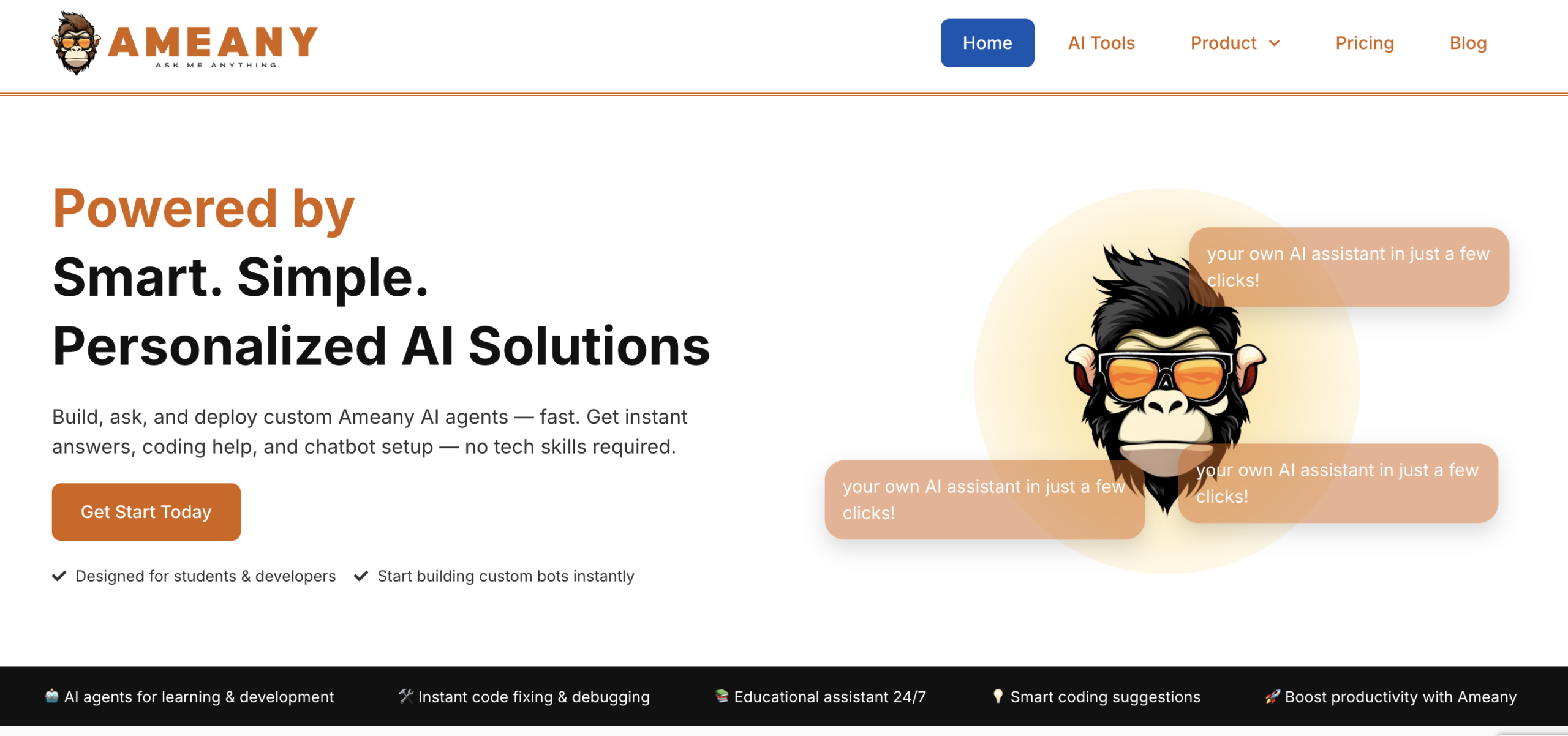
Ameany is an emerging no-code AI workspace designed for teams that prioritize simplicity and speed. It combines AI agent building, website creation, and lightweight code generation inside a single interface, making it appealing for founders and small teams who want to move quickly without managing multiple tools.
It is different from platforms designed for big companies that require a lot of complicated setup. You can start building and launching your artificial intelligence assistants, writing code snippets that work, and creating things for the web without having to know much about technology or manage many complicated systems.
 Key Strengths
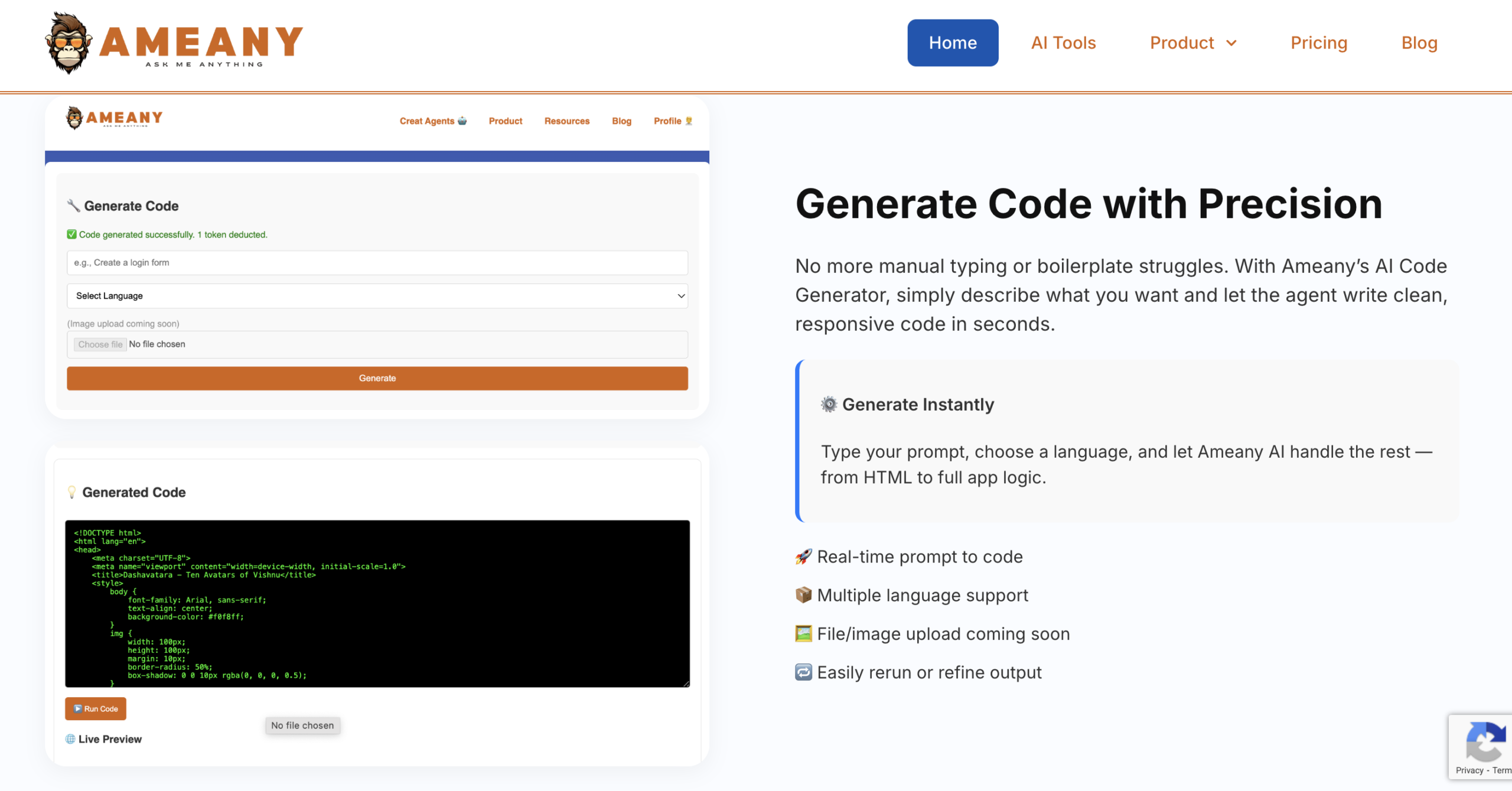
- AI‑first design: It features an education assistant, a code generator, and debugging tools built around AI from the start.
- No‑code accessibility: Non‑technical users can build and deploy assistants quickly.
- All‑in‑one workspace: Combines AI tools, builds AI assistants with no code, a website builder, and a code environment.
- Business outcomes focus: Automates workflows and deploys AI across functions.
- Instant productivity boost: Generate code, fix errors, and automate learning tasks in seconds.
Limitations
- Growing ecosystem: Current integrations are limited compared to enterprise platforms like Salesforce or Google Cloud.
- Lightweight code generation: Strong for quick projects and education use cases, but larger, production‑grade builds may need external developer tools.
 Best for
Students, beginner to intermediate developers, and creators who want an easy, AI-powered platform to generate code, debug errors, build AI assistants, and boost productivity without complex setup.
Read More: Introducing Ameany.io – Your All-in-One AI Assistant Platform
2. Zapier
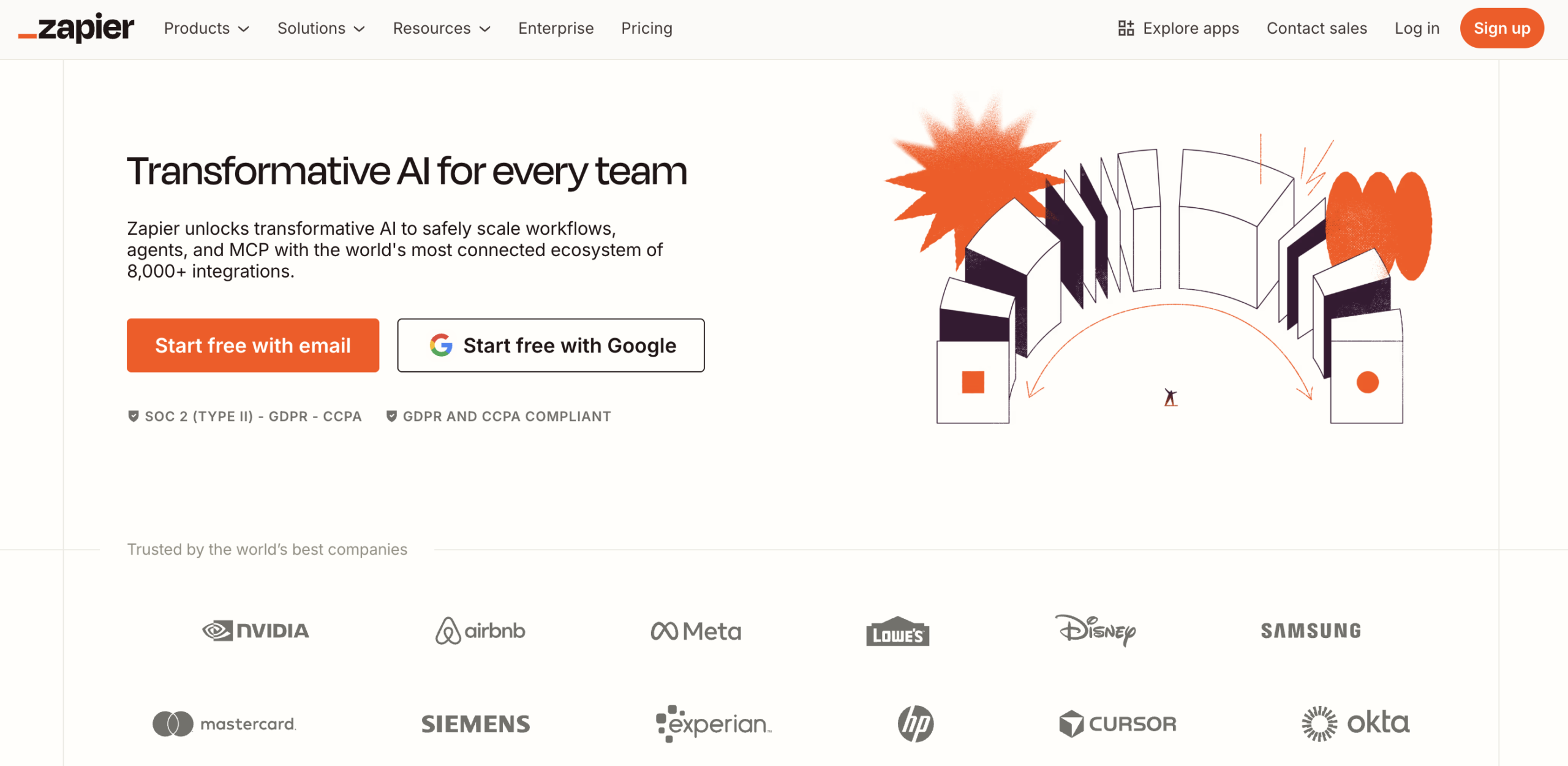
Zapier has been the go-to tool for no-code automation for years, and its recent agentic features bring reasoning and decision-making capabilities into a familiar, trusted interface.
Key strengths
- Connects to 7,000+ apps out of the box
- Natural language agent setup through Zapier Central
- Excellent for teams already inside the Zapier ecosystem
- Strong reliability and enterprise compliance features
Limitation
It’s built around app-to-app automation logic, which works brilliantly for static workflows but can feel constrained when you need agents with genuine multi-step reasoning or complex memory across interactions.
Best for
Teams that want to add AI agent functionality to existing Zapier automation workflows without rebuilding from scratch.
3. Lindy
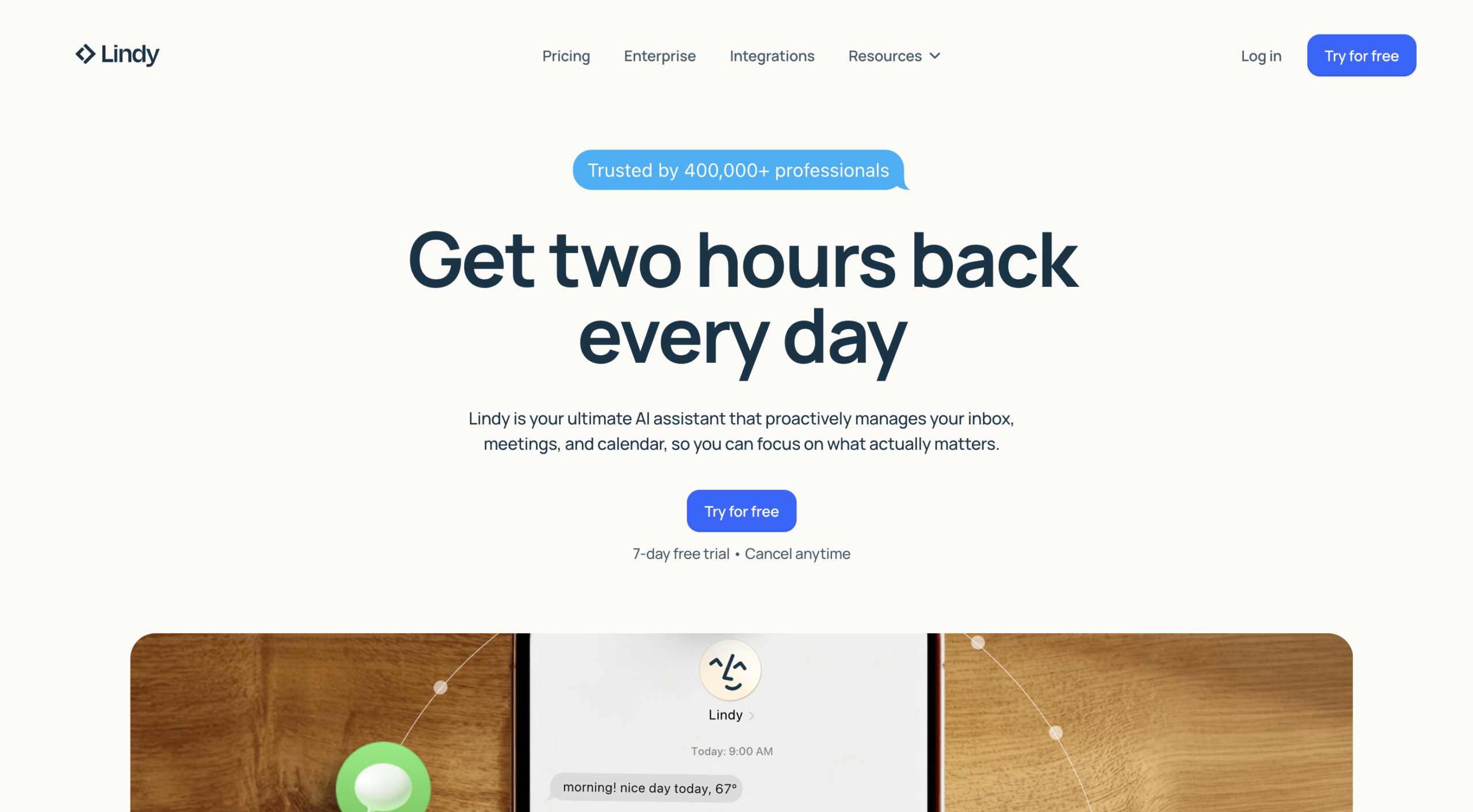
Lindy focuses on automating the repetitive, high-frequency tasks that consume business teams daily: inbox management, meeting scheduling, CRM updates, follow-up sequences, and data entry.
Key strengths
- Natural language agent setup — describe what you want, Lindy builds it
- Strong focus on everyday task automation (email, calendar, CRM)
- SOC 2 and HIPAA compliance for regulated industries
- Multi-agent collaboration for complex task sequences
Limitation
Lindy’s strength is in task automation rather than complex, multi-step workflow orchestration. Teams building highly customized or deeply integrated enterprise agents may outgrow it.
Best for
Small to mid-sized teams looking to automate high-volume daily tasks across email, calendar, and CRM with minimal setup time.
4. Microsoft Copilot Studio
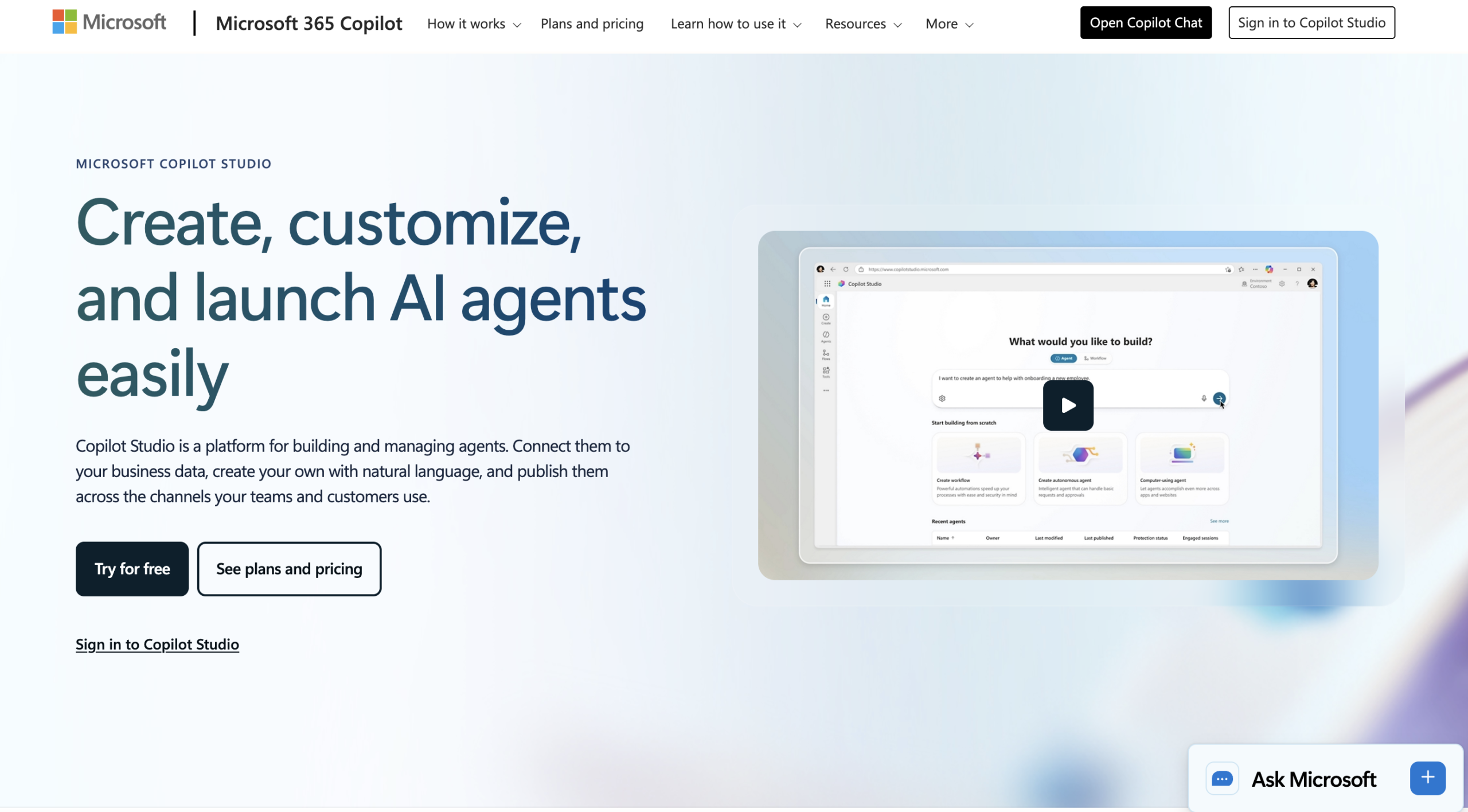
Microsoft Copilot Studio helps big companies create their custom software without writing code. These companies already use Microsoft tools, including Microsoft 365 Teams, SharePoint, Dynamics 365, and Azure.
Microsoft Copilot Studio lets people build their custom computer agents right inside the Microsoft tools they use every day; they do not have to switch to a different system or deal with extra hardware.
Key strengths
- Pre-built connectors to hundreds of enterprise data sources out of the box
- Visual, low-code builder accessible to non-technical business users
- Supports both standalone agents and agents embedded directly inside Teams or other Microsoft apps
- Enterprise-grade security, compliance, and data governance built on Microsoft’s trusted cloud infrastructure
Limitation
Pricing is tied to Microsoft licensing, which can add up quickly for smaller teams. Organizations using non-Microsoft tools as their primary stack will find integration gaps that make other platforms a more practical choice.
Best for
Mid-sized to large enterprises already running on Microsoft 365 or Azure that want to build and deploy AI agents within their existing Microsoft environment.
5. Relevance AI
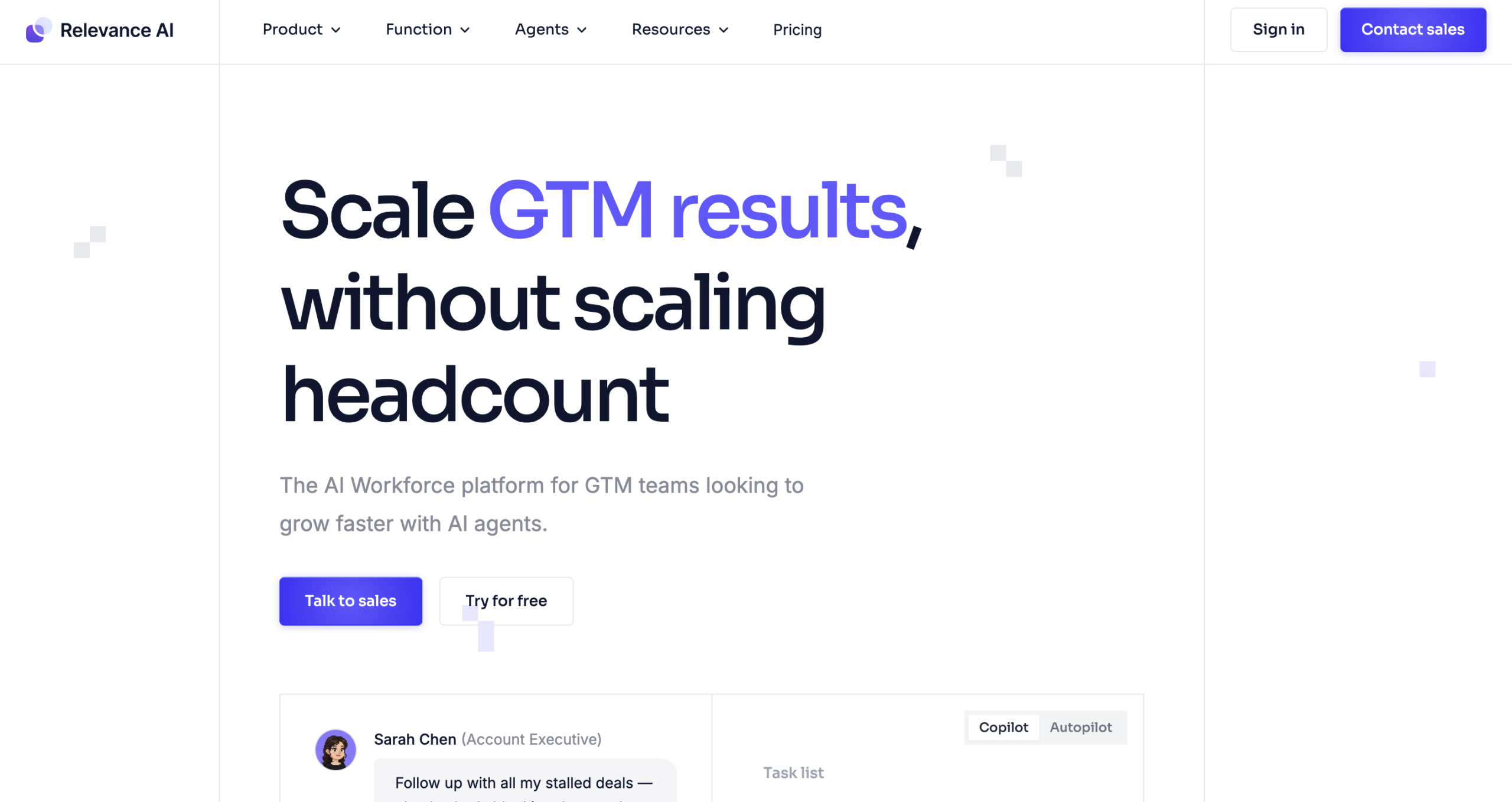
With Relevance AI, you do not build one agent to do everything. You build an AI assistant, a no code team of agents that work together as human departments do. One AI agent does the research, and another drafts or checks the work, without someone constantly watching over them.
Key Strengths
- Pre-built agent templates for BDR outreach, account research, customer support, and more
- Plain-language “Invent” feature that generates implementation suggestions from a simple description
- Built to scale automation across departments, not just isolated workflows
- Free tier available to explore before committing to a paid plan
Limitation
The depth and flexibility that make Relevance AI powerful also add a layer of complexity that first-time builders may find overwhelming.
Best for
Fast-growing startups and mid-market companies that want to automate entire business functions using coordinated teams of AI agents.
Who Is Actually Using No Code AI Agents in 2026?
AI agent builders empower companies to move faster and operate more precisely by automating workflows that once demanded significant manual effort. This shift is taking hold across every major business function.
Customer Support: Agents handle Tier-1 inquiries, resolve common issues through integrated knowledge bases, and escalate complex cases while preserving full context, reducing operational costs, and improving customer satisfaction.
Sales & Revenue Operations: Agents qualify inbound leads, score them against custom criteria, enrich CRM profiles, and execute automated follow-up sequences until prospects meet readiness thresholds, keeping pipelines active without manual intervention.
Human Resources: Resume screening, interview scheduling, candidate Q&A, and onboarding workflows are fully automated, compressing processes that once took weeks into a matter of hours.
Marketing: Multi-agent pipelines coordinate research, creative briefing, content drafting, SEO review, and approval routing, transforming what was once a multi-day effort into a streamlined, repeatable workflow.
Finance & Operations: Agents process invoices, route expense approvals, monitor compliance requirements, and surface real-time reporting, substantially reducing manual workload and the overhead that comes with it.
How to Choose the Right No Code AI Assistant Builders
Not every platform is built for every business. The right choice depends on your team’s technical capacity, the workflows you need to automate, and the systems you already rely on. Before committing to a platform, evaluate it against these five criteria:
1. Ease of Use and Time to Deployment: The platform should be usable by the people actually running your business, not just your technical team. Look for intuitive interfaces, pre-built templates, and a guided setup that allow you to go from idea to live agent quickly without engineering support.
2. Integration with Your Existing Tools: An AI agent is only as useful as the systems it connects to. Ensure the platform integrates natively with your CRM, databases, communication tools, and any other software your team depends on daily.
3. Security and Regulatory Compliance: If your business handles customer data, financial records, or sensitive information, compliance is non-negotiable. Confirm the platform adheres to relevant regulations such as GDPR and HIPAA, and offers enterprise-grade encryption and access controls.
4. Scalability and Reliability: Choose a platform that can handle increasing workloads, support more complex workflows, and maintain performance as your business grows without requiring a platform migration down the line.
5. Transparent and Predictable Pricing: Look for pricing structures that are clear, usage-based, or tiered in a way that aligns with your growth and free of surprise fees as you add users, agents, or integrations.
Which No Code AI Agent Builder Is Right for You?
| Need | Best Match |
| AI tools + agent building + website builder under one roof | Ameany |
| Extending hundreds of existing app integrations with AI | Zapier |
| Automating daily tasks like email, calendar, and CRM quickly | Lindy |
| AI agents embedded inside Microsoft 365 and Teams | Microsoft Copilot Studio |
| Automating entire departments with coordinated AI agent teams | Relevance AI |
Wrapping Up
Choosing the right no code AI agent builder is a business decision before it is a technology one. The platform you invest in should reduce operational overhead, integrate with tools your teams already rely on, and scale without friction as your workflows grow.
For small teams focused on speed, Ameany offers a practical starting point. Enterprises on Microsoft 365 will get the most value from Copilot Studio. Zapier suits organizations with large, app-heavy automation stacks. Teams automating entire business functions should evaluate Relevance AI or Lindy.
Hold any platform to the same standard as any business investment. It should deliver measurable time savings, meet your compliance requirements, and offer pricing that works at your current scale and the next one.
The organizations moving fastest in 2026 are not the ones with the largest teams. They are the ones with the smartest workflows.