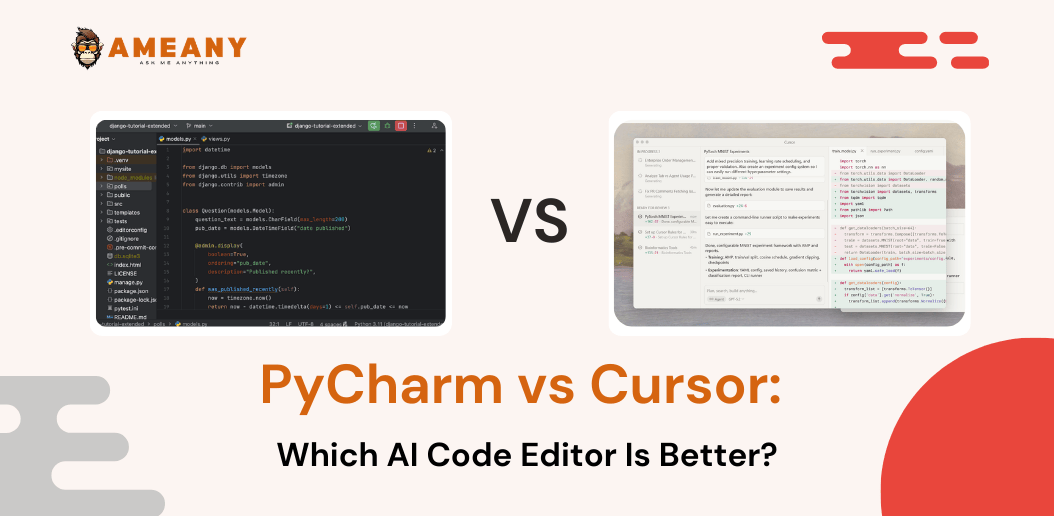
Choosing the right development environment is more important than ever in 2026. With AI transforming how developers write, debug, and optimize code, the debate around PyCharm vs Cursor has become increasingly popular. Both tools offer powerful capabilities, but they serve different types of users.
In this detailed PyCharm vs Cursor comparison, we’ll explore features, performance, pricing, pros and cons, and help you decide which is better: PyCharm or Cursor for your workflow.
What Is PyCharm?
PyCharm is a popular Python IDE developed by JetBrains. It is known for its robust development tools, deep Python support, and professional-grade debugging features.
It has long been considered one of the best IDEs for Python developers, especially for large-scale or enterprise applications.
Key PyCharm Features
- Advanced code navigation and refactoring
- Built-in debugger and testing tools
- Web framework support (Django, Flask, FastAPI)
- Database tools integration
- Smart code completion AI
- Git and version control support
PyCharm is a traditional yet evolving Python IDE with AI, integrating AI-powered assistance within a structured IDE environment.
Read More: Claude Code vs Cursor
What Is Cursor?
Cursor is a modern AI-powered IDE built around conversational AI and real-time coding assistance. It integrates advanced AI models to help developers write, edit, and debug code through natural language prompts.
Unlike traditional IDEs, Cursor positions itself as a fully AI-powered IDE rather than just adding AI as a feature.
Cursor AI Features
- Built-in AI coding assistant tools
- Real-time code suggestions and edits
- Context-aware smart code completion AI
- Natural language debugging
- Instant documentation generation
- AI-powered refactoring
Cursor is often reviewed as a next-generation development tool, and many developers consider it a strong PyCharm alternative.
Read More: Replit vs Cursor
PyCharm vs Cursor Comparison (2026)
Let’s break down the full AI code editor comparison across key categories.
1. User Interface & Experience
PyCharm
- Structured, professional IDE layout
- Highly customizable
- Slightly heavier system usage
Cursor
- Minimalist interface
- Chat-based AI interaction
- Designed for fast AI workflows
If you prefer traditional IDE structure → PyCharm.
If you prefer AI-first coding → Cursor.
2. AI Capabilities
PyCharm
PyCharm integrates AI tools but remains a traditional IDE at its core. Its AI features focus on intelligent suggestions and code completion.
Cursor
Cursor is built around AI. It offers conversational coding, file-wide edits, and advanced AI debugging tools.
In the Cursor AI vs traditional IDE debate, Cursor leads in AI-native functionality.
3. Performance Comparison
In a PyCharm vs Cursor performance comparison, results depend on project size and system resources.
- PyCharm performs well for structured, large Python projects.
- Cursor feels lighter and faster for quick development and AI-assisted coding.
Cursor may feel smoother for smaller AI-driven workflows, while PyCharm is stable for enterprise projects.
4. Python Development Support
PyCharm vs Cursor for Python Development
PyCharm remains one of the most powerful tools for Python, especially for backend development and data science workflows.
Cursor supports Python but shines more in AI-assisted productivity and rapid prototyping.
If you’re asking:
Best IDE for Python developers?
PyCharm still leads for deep Python specialization.
Read More: 9 Best AI for Python Coding
5. Debugging & Error Handling
PyCharm
- Advanced built-in debugger
- Breakpoints, profiling, testing tools
- Stable error analysis
Cursor
- AI debugging tools
- Natural language error explanations
- Quick fix suggestions
Cursor makes debugging conversational, while PyCharm offers professional debugging control.
6. Pricing
PyCharm Pricing
- Community Edition: Free
- Professional Edition: Paid subscription
Cursor Pricing
- Free limited version
- Paid AI subscription plans
In the PyCharm vs Cursor pricing 2026 comparison:
- PyCharm Pro is structured and predictable.
- Cursor pricing may scale with AI usage.
7. Pros and Cons
PyCharm Pros and Cons
Pros
- Deep Python ecosystem support
- Enterprise-ready
- Stable performance
- Professional debugging tools
Cons
- Heavier resource usage
- Less AI-native compared to Cursor
Cursor Pros and Cons
Pros
- Strong AI integration
- Fast AI-driven development
- Smart conversational coding
- Modern interface
Cons
- Less mature than PyCharm
- AI suggestions may need review
- Subscription cost for heavy usage
Which Is Better: PyCharm or Cursor?
This depends on your workflow.
Choose PyCharm If:
- You work on large-scale Python applications
- You need advanced debugging tools
- You prefer structured IDE workflows
Choose Cursor If:
- You want an AI-first coding experience
- You prefer conversational coding
- You want faster prototyping
If you’re wondering:
Should I switch from PyCharm to Cursor?
Consider your project type. Many developers use both depending on tasks
Final Verdict: PyCharm or Cursor?
In 2026, development tools are shifting toward AI-assisted coding. Cursor represents the future of AI coding tools for developers, while PyCharm remains a powerhouse for serious Python development.
If your focus is stability, structure, and deep Python capabilities → PyCharm.
If your focus is speed, AI collaboration, and productivity → Cursor.
There is no universal winner — only the right tool for your needs.