Introduction
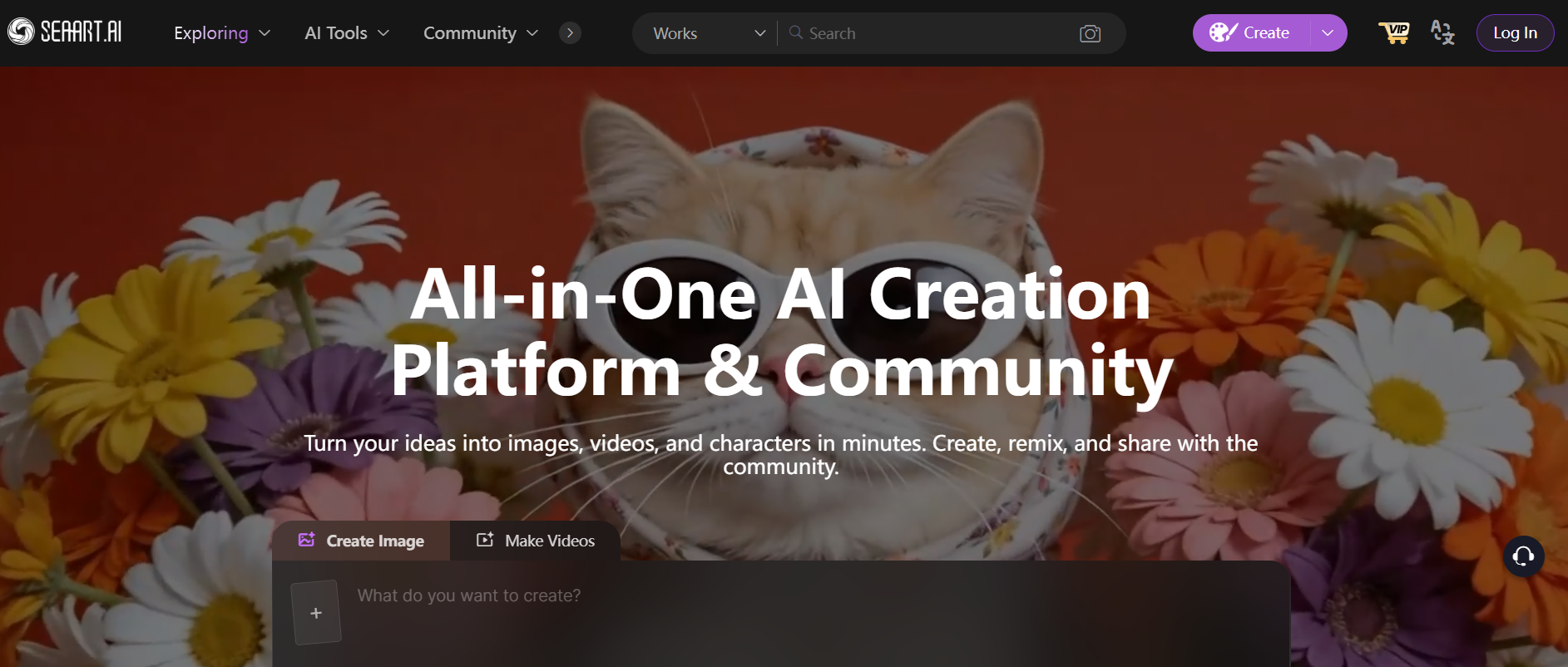
SeaArt AI enables people to produce digital artwork based on their versus AI options. The artwork can be produced via an image generated from a text input, creating ease of use by removing the need to manually draw or design. This allows both novice and expert creators to quickly make an image that has multiple applications.
What is SeaArt AI?
SeaArt AI provides an online tool, enabling users to transform text into images. Users can describe a scene, statement, or idea and generate an image based on those words. It supports multiple artistic styles and formats, enabling users to experiment with a variety of visual media.
Key Features of SeaArt AI
- Text-to-image art creation – You can create images by entering descriptions into the tool.
- Multiple styles of artistic creation – Users will be able to create artwork in a number of styles.
- Processing times – Depending upon the parameters selected, the tool can generate your images very quickly.
- Customisation of image parameters – User can adjust parameters such as style, level of detail/realism, and image size.
- Access through a web browser – The tool is web-based. You do not need to install it on your computer you can access it using a web browser.
- Community content – You can find inspiration and creativity by browsing other people’s images created using the tool.
Pros & Cons of SeaArt AI
Pros:
- Image creation is simple via textual prompts
- It can produce a variety of artistic styles
- Good for novice and experienced users alike
- Fast image creation times
- Accessed via an online interface
Cons:
- Output will vary depending on the quality of the prompt
- Some functionalities may require a subscription to access
- Less control than if you were manually designing the object
- The results often necessitate several tries.
How to Use SeaArt AI
Step 1: Sign Up
Create an account on the SeaArt AI platform.
Step 2: Enter a Prompt
Describe the image you want to generate.
Step 3: Adjust Settings
Choose style, resolution, and other parameters.
Step 4: Generate Image
Run the process to create the artwork.
Step 5: Download or Refine
Save the image or modify it with new prompts.
Who Can Use SeaArt AI
- Content creators producing visual content
- Designers exploring AI-generated art
- Marketers creating graphics
- Social media users are generating posts
- Anyone interested in digital art
What Makes SeaArt AI Unique?
SeaArt AI aims to provide an easy-to-use image creation tool with no experience necessary. Users can produce images without any technical or design capabilities.
The platform offers many different styles along with community-based content, making it possible for users to experience many different ways to create art.
Pricing & Plans
SeaArt AI offers different plans based on usage and features.
Free Plan
- Basic image generation
- Limited usage
Paid Plans
- Higher generation limits
- Access to advanced features
- Faster processing
Users should check the official website for the latest pricing details.
Final Thoughts
Digital art creation via text prompts is the main purpose SeaArt AI serves by allowing users to generate images quickly and efficiently across a variety of applications. The quality of results can vary based on the level of quality of the input used; however, this tool enables users to generate visuals more easily than ever before using traditional graphic design methods.