Introduction
Finding a great new hairstyle can be quite challenging, especially if you’re unsure how it’ll look in real life. Many individuals pick styles based on trial and error, which has the potential to provide them with less than satisfying jobs.
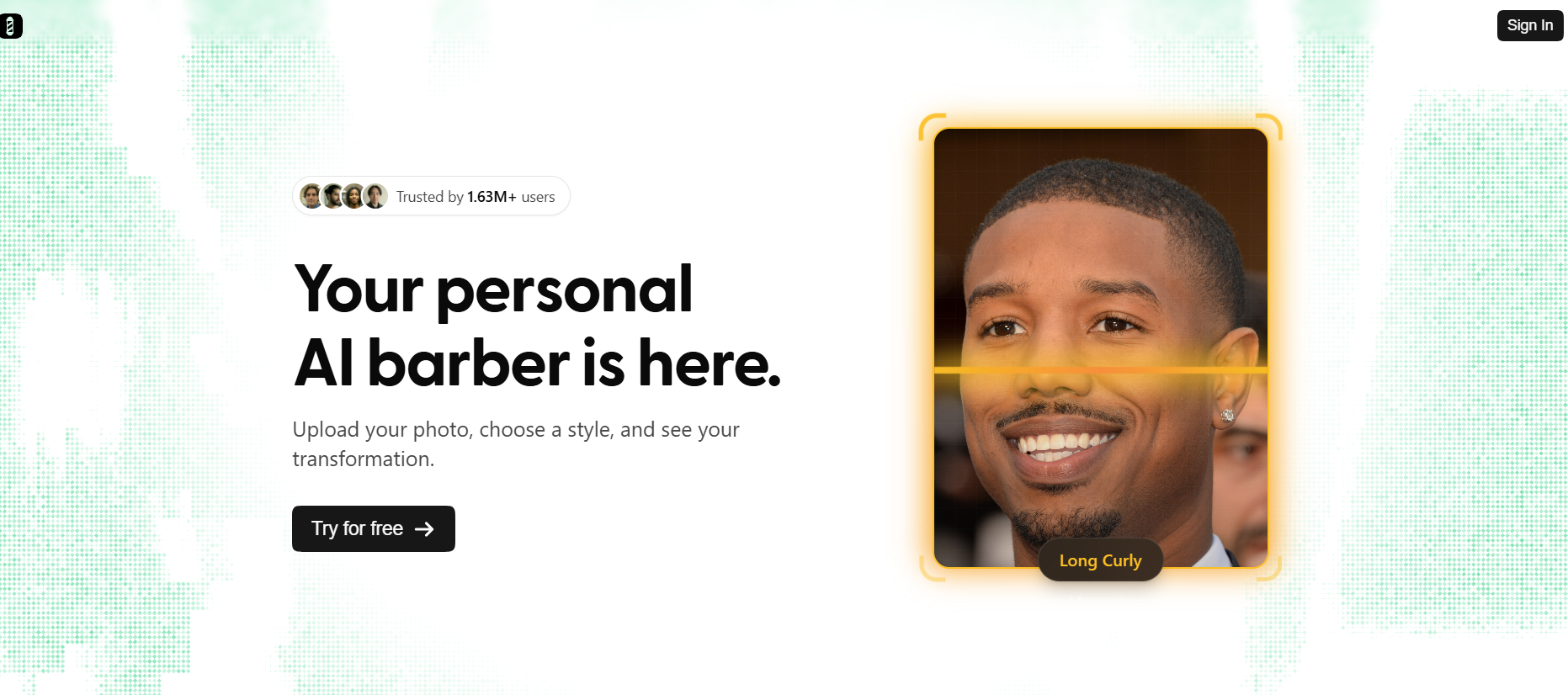
BarberGPT AI gets around this by allowing users to take a picture of themselves, then apply as many different types of styles and see how they’d look on them, along with generating realistic images to help you converse with your barber or stylist about what you want done to you.
What is BarberGPT AI?
If you want to find a new look to express your unique personality, BarberGPT is an AI-based grooming application that can help you do so. Users upload photos of themselves, select the region of their head where they have hair/need to be styled, and then the application will show them several virtual hairstyles created from those images.
The software functions as a virtual hair stylist, allowing you to try on new haircuts without actually having to cut or style your hair.
Key Features of BarberGPT AI
- AI Creates Simulation of Hairdos – Uses images that have been uploaded by users to generate different haircuts.
- Editing Image-Based on Photos – Lets the user to select specific area of hair to change the colour or make the haircut different.
- Many Different Hair Styles to Use – Has lots of choices depending on how you want your hair done.
- Super Fast Processing – Has fast previewing of the hairstyles that are generated.
- Easy to Use – Has an easy-to-follow process for the new user.
- Protection of Privacy – Protects user images and data when using their images.
Pros & Cons of BarberGPT AI
| Pros | Cons |
| Easy to use | Limited customization in some cases |
| Quick results | Output may vary based on photo quality |
| Helps decision-making | Not a replacement for real consultation |
| Supports different hair types | Some features may be paid for |
| No technical skills needed | Requires clear images for best results |
Bonus Read: Humata AI
How to Use BarberGPT AI
Step 1: Upload Photo
Add a clear image of your face.
Step 2: Select Hair Area
Highlight the part of the hair you want to change.
Step 3: Choose Style
Pick a hairstyle or let AI suggest options.
Step 4: Generate Preview
Let the AI process and create results.
Step 5: Review & Save
Compare styles and save your preferred look.
Who Can Use BarberGPT AI
- Individuals exploring new hairstyles
- Salon customers planning a haircut
- Barbers and stylists
- Content creators in fashion and grooming
- Anyone curious about style changes
What Makes BarberGPT AI Unique?
The AI BarberGPT has been designed for one specific purpose: simulating a person’s hairstyle. It is not intended for general-purpose photo editing; therefore, its results are only relevant to grooming choices.
By providing users with realistic previews of how their new hair will look prior to making a change, it also reduces the amount of uncertainty associated with a decision to change one’s appearance.
Pricing & Plans
BarberGPT AI typically follows a freemium model.
Free Plan
- Basic hairstyle previews
- Limited usage
Paid Plans
- More hairstyle options
- Higher usage limits
- Faster processing
Pricing may vary, so users should check the official platform for updated details.
Use Cases of BarberGPT AI
- Hairstylist Desires – Try on various hairstyles (try on hairstyles) before going to the barber.
- Hair & Personal Care – Try out different hairstyles at home.
- Hairstylist Assistance – Bring in pictures of hairstyles as an example to the hairstylist.
- Social Networks – Create social network content based on what a hairstyle looks like.
BarberGPT AI vs Traditional Methods
| Feature | BarberGPT AI | Traditional Method |
| Visualization | Instant preview | Imagination-based |
| Risk | Low | High |
| Time | Fast | Slow |
| Cost | Low | Depends on the salon |
| Accuracy | Moderate | Real result |
Is BarberGPT AI Safe?
User privacy is our number one priority at BarberGPT AI because all uploaded images will always be protected when handled properly, so there is no risk of someone using those personal photo(s).
Users must read through each site’s privacy policies before uploading any image, including any private/ confidential, to ensure their safety and security while using our general service.
Top BarberGPT AI Alternatives
| Tool | Best For | Key Feature | Pricing |
| FaceApp | Photo editing | Hairstyle filters | Freemium |
| YouCam Makeup | Beauty edits | Hair color change | Freemium |
| Fotor AI | Image editing | AI enhancements | Freemium |
| Remini | Photo enhancement | Face improvement | Freemium |
| Hairstyle Try On Apps | Grooming | Style previews | Varies |
Conclusion
BarberGpt AI allows users to try out different hairstyles without having a permanent effect on their head! It also helps when trying to decide which hairstyle is best suited to you by giving you a fast, visual preview of the hairstyle you want.
BarberGpt AI is not meant to replace stylists’ advice, but it can help give you more options to select from when making your hairstyle decision.