Introduction
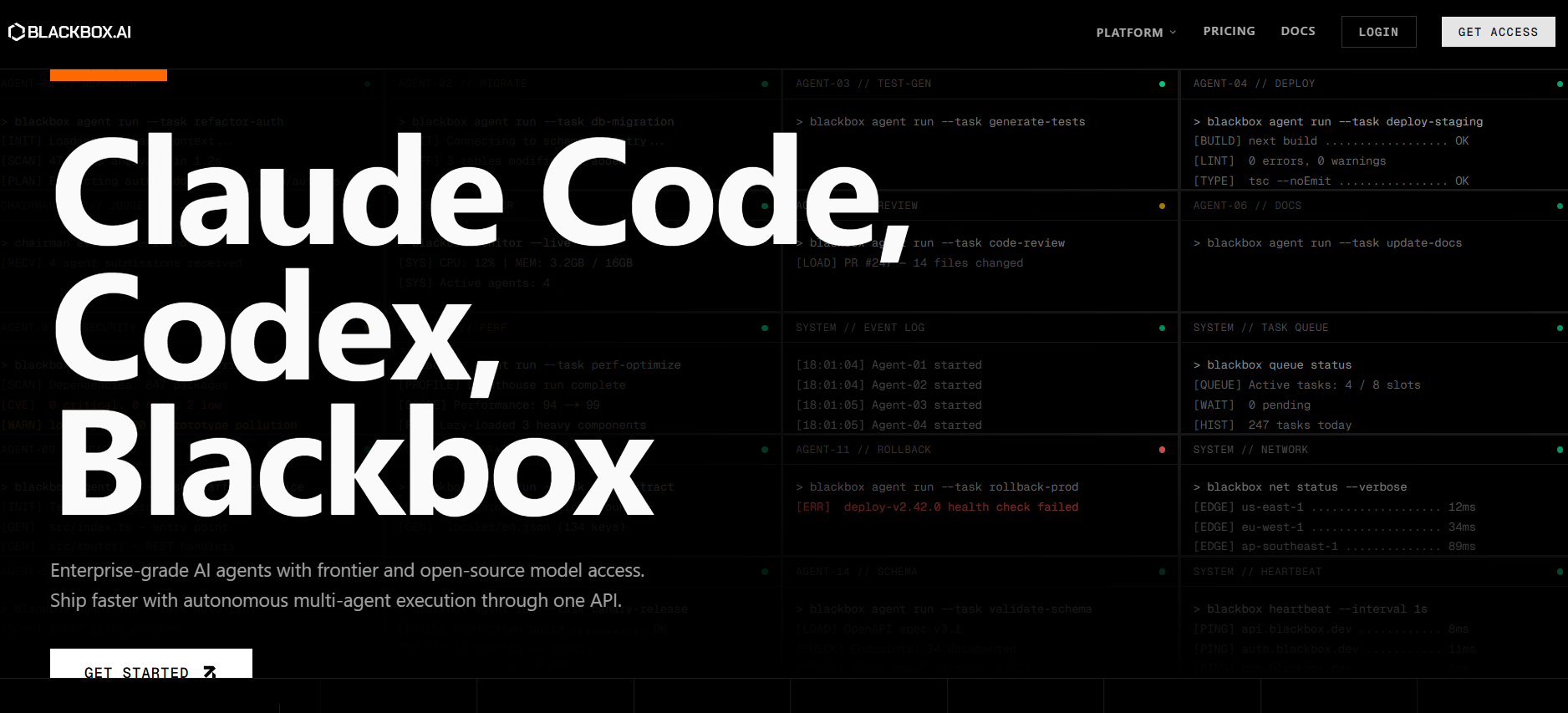
Blackbox AI is an AI-powered coding assistant designed to help developers write, review, debug, and optimize code using natural language. Instead of manually writing repetitive code from scratch, developers can simply describe what they need and let Blackbox AI handle the heavy lifting saving hours of development time.
What started as a basic code completion and search tool has evolved into a full-featured AI development platform, accessible through a web interface, a Visual Studio Code extension, and a mobile application. Whether you’re a seasoned engineer or a student learning to code, Blackbox AI aims to make the entire coding workflow faster and more intuitive.
What is Blackbox AI?
Blackbox AI is an AI-driven code generation platform that enables developers to write, understand, and troubleshoot code through a simple, conversational interface. Rather than writing every line manually, users can describe a function or problem in plain English and receive ready-to-use code in return.
The platform supports a wide range of programming languages and use cases from generating new functions and fixing bugs to exploring alternative code approaches. It’s built for developers who want to move faster without compromising on code AI quality.
Key Features of Blackbox AI
- AI Code Generation — Instantly generate working code snippets based on plain-language prompts and descriptions.
- Real-Time Code Completion — Get intelligent inline suggestions as you type within supported coding environments.
- Searchable Code Repository — Access a large, searchable library of code examples and references relevant to your project.
- Debugging Assistance — Identify errors quickly and receive actionable suggestions to resolve them efficiently.
- Visual Studio Code Extension — Integrate Blackbox AI directly into your VS Code workflow for a seamless development experience.
- Web-Based Chat Interface — Write, test, and review code through an easy-to-use browser-based chat interface.
- Mobile Access — Use Blackbox AI on the go via its Android application for coding support anywhere, anytime.
Pros & Cons of Blackbox AI
Pros:
- Significantly speeds up everyday coding tasks
- Supports multiple programming languages
- Combines code generation, search, and debugging in one platform
- Smooth integration with Visual Studio Code
- Accessible across web and mobile platforms
- Beginner-friendly interface with natural language input
Cons:
- Generated code should always be manually reviewed before deployment
- Advanced features require a paid subscription
- Output quality depends heavily on how well prompts are written
- Not a substitute for fundamental programming knowledge
- Limited information on enterprise-level features and support
How to Use Blackbox AI
Step 1: Create an Account
Visit the Blackbox AI website and sign up for a free account to get started.
Step 2: Choose Your Access Method
Use the browser-based web interface for quick access, or install the VS Code extension for a fully integrated coding experience.
Step 3: Enter Your Prompt
Describe your coding task, function, or problem in plain language. The clearer your prompt, the better the output.
Step 4: Review the Generated Code
Carefully read through the AI-generated code or suggestions to ensure they match your requirements.
Step 5: Test, Implement & Refine
Integrate the code into your project, run tests, and make any necessary adjustments to fit your specific use case.
Who is Blackbox AI For?
Blackbox AI is built for anyone involved in software development, including:
- Software developers writing code
- Students learning programming
- Engineers debugging applications
- Developers searching for code examples
- Teams working on software projects
What Makes Blackbox AI Unique?
Unlike many AI coding tools that focus on just one function, Blackbox AI brings code generation, code search, and debugging together into a single unified platform. This means developers don’t have to jump between multiple tools to complete common development tasks.
Its deep integration with Visual Studio Code makes it a natural fit for professional developers who want AI assistance embedded directly into their existing workflow not as an afterthought, but as a core part of how they work.
Pricing & Plans
Blackbox AI offers both free and paid options based on usage.
Free Plan
- Basic coding assistance
- Limited usage
Paid Plans
- Higher usage limits
- Faster responses
- Access to advanced features
Pricing may change, so users should check the official website for updated details
Final Thoughts
Blackbox AI is a practical and capable productivity tool for modern developers. Its ability to generate, search, and debug code through a single interface makes it a convenient addition to any developer’s toolkit whether you’re building a new application from scratch or troubleshooting a complex bug.
While it won’t replace your programming expertise or eliminate the need for manual code review, it can meaningfully reduce the time you spend on routine tasks and help you solve problems faster. For developers looking to work smarter and ship code more efficiently in 2026, Blackbox AI is worth exploring.