Introduction
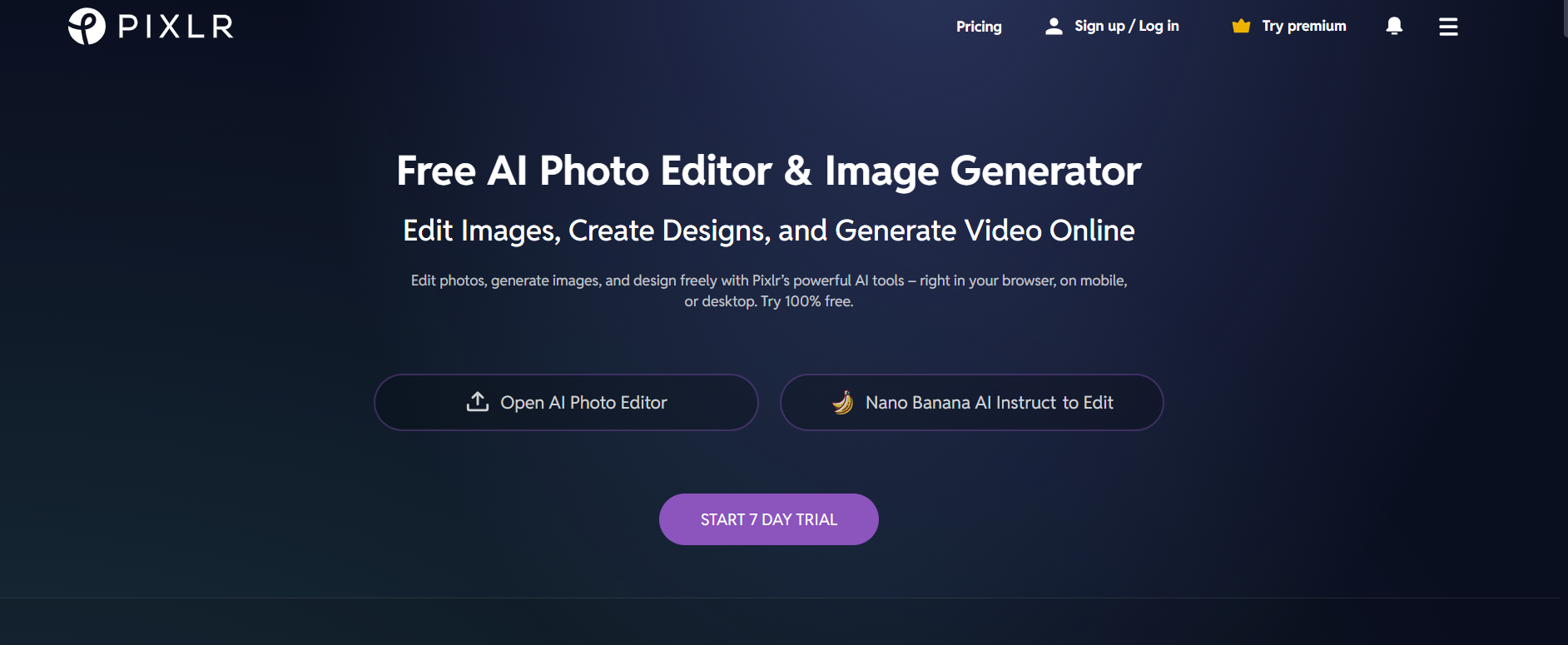
Pixlr is an online tool that provides excellent image editing capabilities along with advanced artificial intelligence technology. Users can perform image editing tasks, create unique designs, and improve visual elements without the need for downloading any software. They can also remove the background of any image.
It is commonly used by content producers, advertisers, and graphic artists requiring fast and convenient image editing software. Its user-friendly design and artificial intelligence technology allow it to make high-quality editing available to everyone.
What is Pixlr?
Pixlr is an online application used to edit photos and design images in the same way as offline software programs do, although with simpler user interfaces. The program comes with two types of editors – Pixlr X for beginners and Pixlr E for experts.
The system offers features such as image editing, removal of background, filters, overlays, and AI-powered improvements. Individuals are able to carry out activities such as cropping and graphic design without having high-end devices.
Pixlr also uses artificial intelligence for automated complex editing processes, which enables faster production of quality images. It can therefore be used by professionals and amateurs alike.
Key Features of Pixlr
- Background Removal (AI): Instantly removes backgrounds from photos with high precision, creating clean visual effects.
- Advanced Editor (Pixlr E): Features advanced editing capabilities such as layers, masks, and blend modes for professional-grade editing.
- Basic Editor (Pixlr X): Features an intuitive editor that allows for simple editing, suitable for beginner users.
- Image Creation (AI): Facilitates creating visuals based on textual instructions, helping to create images quickly.
- Visual Effects (Filters): Offers a vast collection of filters, overlays, and effects to improve image appearance.
- Templates for Design: Includes customizable design templates for social media posts, banners, and marketing materials.
- Bulk Editing: Enables editing multiple images at once, improving efficiency for bulk tasks.
Pros & Cons of Pixlr
Pros
- Free version available
- Easy-to-use interface
- No installation required
- AI tools for quick editing
- Supports advanced editing features
Cons
- Ads in the free version
- Limited features compared to high-end software
- Requires an internet connection
- Some tools are locked behind premium plans
How to Use Pixlr?
Step 1: Access the Website
Navigate to Pixlr and select either Pixlr X or Pixlr E editor.
Step 2: Import Your Image
Load your image on your computer or start any ongoing project.
Step 3: Edit With the Help of Tools
Edit the image by using AI tools, filters, or manual editing techniques.
Step 4: Personalize the Design
Create your own design by adding images, text, etc.
Step 5: Save and Export
Save and export your edited picture.
Who Can Use Pixlr?
- Content creators
- Graphic designers
- Social media managers
- Students
- Small businesses
- Photographers
What Makes Pixlr Unique?
Pixlr is unique in that it provides both basic and advanced editing capabilities within one application. Users have the option to move between novice and expert editing applications depending on their requirements.
The use of artificial intelligence technology makes it quicker, while its web-based technology eliminates the requirement for costly software and hardware.
Pricing & Plan
Free Plan
- Basic editing tools
- Limited AI features
- Ads included
Premium Plan – $4.90/month
- Ad-free experience
- Access to premium templates and assets
- More AI tools
Creative Pack – $14.99/month
- Full access to all features
- Premium content and overlays
- Advanced editing capabilities
Final Thoughts
Pixlr is a trustworthy and adaptable online image editor that combines ease of use with practicality. This tool provides sufficient capabilities for editing and additional tools for further improvements.
It is an excellent option for users who need instant editing solutions but do not have powerful tools on their devices. With its AI capabilities and two editors available to users, it can suit any level of experience.
In general, Pixlr is an amazing solution for those searching for a lightweight and inexpensive editor.